
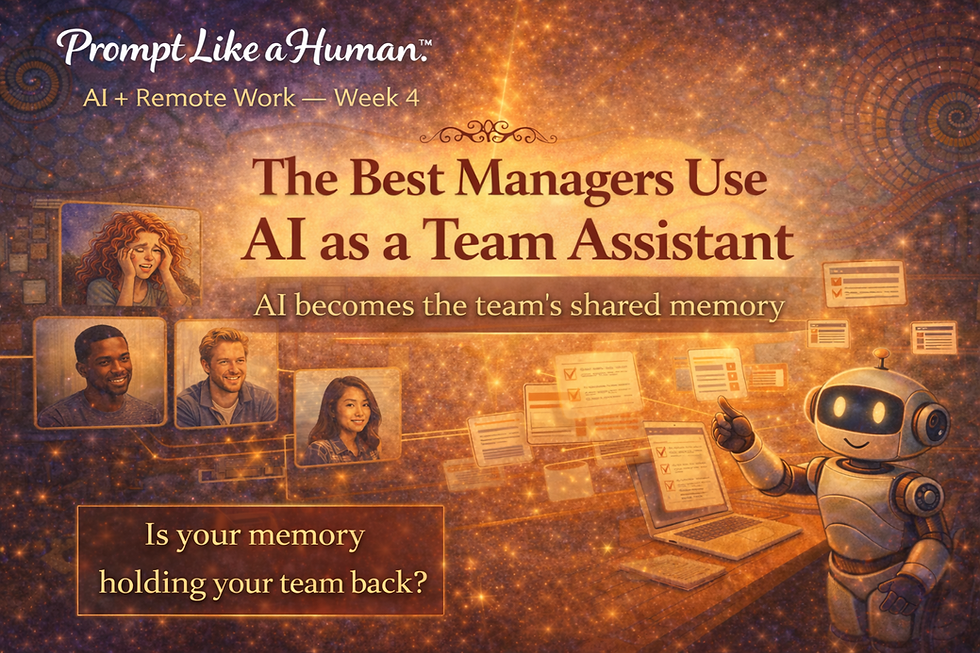
Week 4: The Best Managers Use AI as a Team Assistant

Remote managers grapple with some challenges that don’t always exist in an office setting.
One of those challenges is keeping everyone on the same page. If you’re doing it right, you have protocols and systems in place. There’s a lot to remember. It’s a trick to keep the details straight. Sometimes employees struggle. When employees struggle, managers do too.
AI can help keep remote employees informed and on top of ever-developing processes. An unorganized system breaks down fast in remote environments. Many remote teams are still running on scattered notes, Slack messages, and mental checklists.
That adds unnecessary pressure that nobody needs.
The hidden job no one talks about
Somewhere along the way, managers became the team’s memory.
They’re expected to:
remember what was said in meetings
clarify what someone meant
track what’s been done—and what hasn’t
fill in the gaps when communication falls short
It’s constant. And it doesn’t scale.
The more a team grows, the more that pressure builds.
What the best managers do differently with AI as a team assistant
The best managers don’t let themselves become a memory bank. When the right systems are in place, it happens naturally.
This is where AI becomes powerful. It can be used to support a team so nobody bears an undue burden. A head full of nitty-gritty details doesn’t have the capacity to operate at peak performance.
As a team assistant, AI becomes a shared memory, so managers don’t have to be
Use AI to create a smooth rhythm throughout your team’s day-to-day operations.
“How much do people remember from a presentation? Not much is the actual answer! … most presentations go in one ear and out the other!” - presented.
What that looks like in practice
Meetings. Ugh. So much information. A January 2024 article published by a company called “presented.” reported on employee meeting retention.“How much do people remember from a presentation? Not much is the actual answer! … most presentations go in one ear and out the other!” according to the online publication.
The immediate dropoff is huge. People remember about half of what they hear in a presentation immediately.
Sorry, within 24 hours, it gets worse. Twenty-four hours later, retention drops to about 25 percent. Some studies show people forget 70 percent within a day. Within a week? Most of it is gone.
Without written or verbal reinforcement, some people retain only 10 percent.
How AI team assistants create meeting summaries
AI doesn’t magically “know” what happened. It needs input from a meeting transcript or notes. Today, there are live AI assistants that take those notes for you. These in-meeting tools join your meeting, record and transcribe, and generate summaries automatically.
Meeting transcription services such as Zoom, Teams, or Google Meet are extremely popular today. These are platforms that record meetings and generate transcripts. Plug that transcript into an AI tool, and it will give you a clean summary that highlights decisions and identifies action items.
AI will even take messy notes and bullet points and turn them into a usable format you can easily share with meeting participants.
The following are some popular transcription tools:
Microsoft Teams (with Copilot)
A word of caution about using AI in meetings
If your meeting involves sensitive subjects, corporate secrets, or other topics not intended for public consumption, take precautions to protect your information.
Some consumers are challenging the security of AI meeting summarizers. Are these tools causing data leakage? Are they recording meeting participants and then using retaining biometrics to train models using confidential data?
At least two suits (there are more) allege just that. Brewer v. Otter.ai (2025) and Cruz v. Fireflies.AI Corp (2025) are two suits that will help establish the rules of the game. It poses questions like, "Can AI join the conversation uninvited?" "Whose responsibility is it to gain the consent of participants?" "Who owns the data?" "How can the data be used?"
Primary complaints include unauthorized recording. People complain that AI tools join as participants, then record people who don’t have accounts and haven’t agreed to the terms of service.
Others complain their data is misused. Personal and confidential conversation data is used to improve speech recognition technology.
There are still some questions of liability when a data breach or misuse of information comes to light. In some lawsuits, people complain that AI vendors put the responsibility of obtaining consent on the user rather than securing it themselves.
Better safe than sorry, be careful what you put into the technoverse. Don’t be paranoid, just smart. Establish strict governance. Set data handling policies. Secure informed consent for all participants before using these tools.
How does using AI help your remote team?
AI meeting summary tools help remove the confusion that leads to questions like “Wait, what did we agree on?”
It clarifies tasks and eliminates the back-and-forth between employees and an overwhelmed remote manager. That takes the guesswork out of actionable items.
Living documentation ensures processes don’t sit in a forgotten folder. The details are a foundation, and if they’re clear, they can become a foundation on which teams can build.
Look, AI doesn’t make teams smarter, but it might seem that way to you. Group thinking becomes visible, repeatable, usable, and shareable.
Here's the shift
Managers who rely on memory stay busy. Managers who build systems create momentum. AI can remove the mental load that hinders effective leadership.
The best managers aren’t the ones who stay on top of everything. They’re the ones who build systems where nothing gets lost in the first place.

Comments